
RuID Rejected or Application Not Accepted: How to Fix the Error
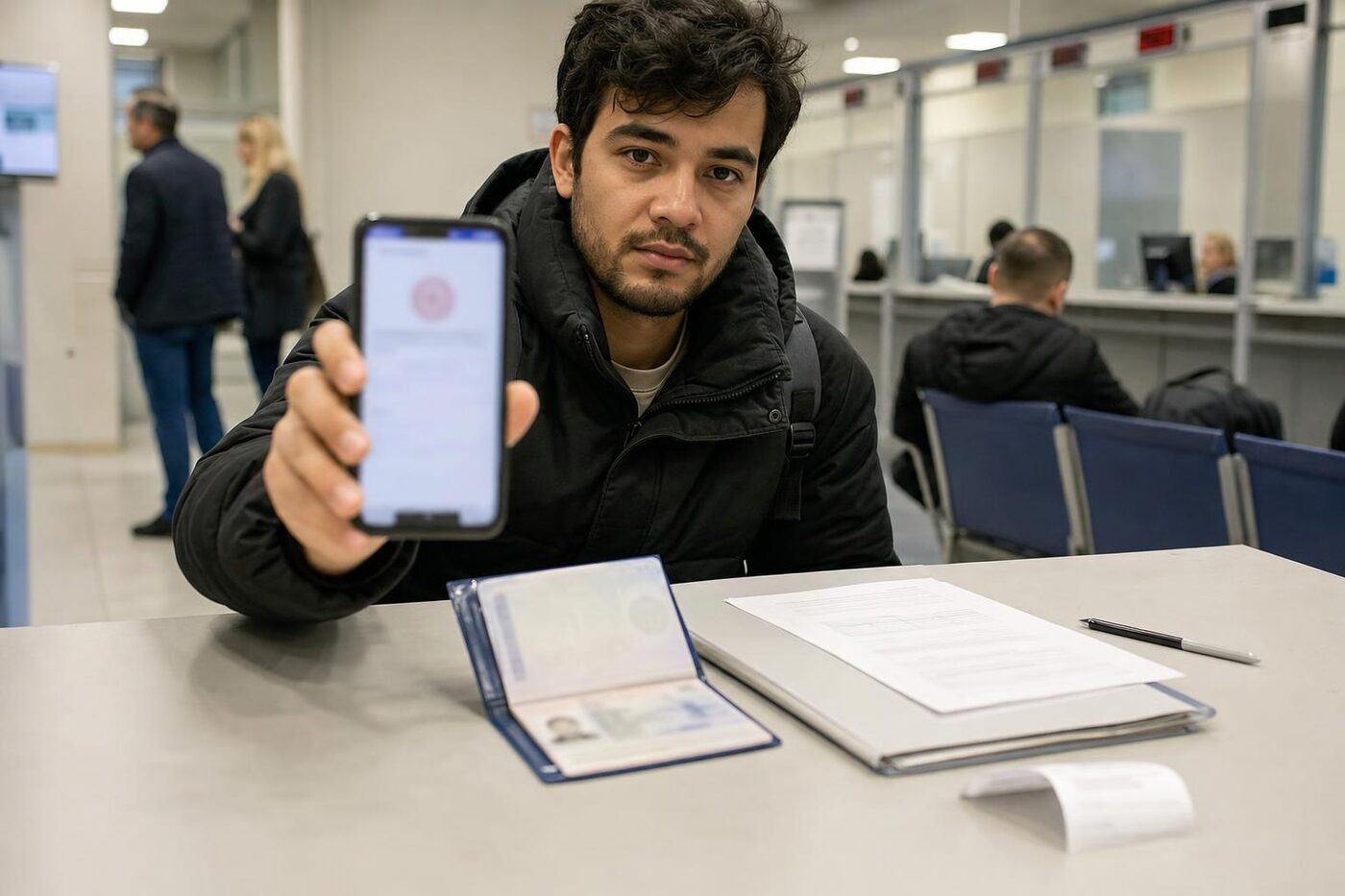
A RuID application rejection is a service refusal to accept an electronic application for entry into Russia, not a decision to ban entry. The reason is almost always technical or form-related: a typo in passport details, an unaccepted photo, a foreign phone number, or an invalid travel date. Such errors can be fixed with a single resubmission—provided you identify the cause and avoid chaotically creating new requests.
Below are the typical reasons for rejection, the step-by-step correction procedure, and the deadlines you need to meet before departure.
In Brief: What to Do
- Find the reason. Open the rejection notification: note the application number, date, and text of the reason; take a screenshot.
- Verify the data against the originals. Passport, citizenship, date of birth, spelling of the name—letter by letter, exactly as in the document and its translation.
- Check the phone and files. The number must be able to receive SMS; the passport scan and facial photo must be legible, without cropping or glare.
- Fix the specific error and resubmit—no later than 72 hours before entry. Submission window: no earlier than 90 days and no later than 72 hours.
- If the reason is unclear or the rejection repeats—contact Gosuslugi support and separately check for entry bans.
Why RuID Rejects an Application
- Passport data errors—the most common reason: inaccurate series, number, or date of birth, Latin spelling of the name not matching the passport’s machine-readable zone, or discrepancies with the translation. For details, see the passport data mismatch guide .
- Phone verification fails: foreign number, SMS is not delivered, or the number is already linked to another profile. What to do is explained in the foreign phone verification guide .
- Photos and scans are unreadable: a blurry selfie fails facial verification (specifically on this topic—RuID does not accept biometrics ), or the passport scan is cropped, overexposed, or exceeds the allowed file size.
- Entry date outside the submission window: the application must be submitted no earlier than 90 days and no later than 72 hours before entry. Outside this window, the service will reject the application or prevent it from being sent.
- Duplicate application: an active application already exists, and the repeat submission is rejected as a duplicate.
- Gosuslugi profile issues: unverified account or a block. First, correctly register with RuID via Gosuslugi .
- Migration database records: past violations, unpaid fines, or previously imposed restrictions. The form may be filled out correctly, but the decision on it will still be negative.
How to Fix and Resubmit
- Read the rejection text: it usually specifies the stage where the application was rejected—data verification, file check, or phone check. If there is no explanation, save the application number and date: you will need them when contacting support.
- Check every field against the original passport, migration card, and visa (if required). Spell the name exactly as it appears in the passport’s machine-readable zone, not “by ear.”
- Replace low-quality files: provide a facial photo with even lighting, without glasses or headwear; a full passport scan, in focus, in an acceptable format and size.
- Make sure the phone is accessible: the SIM card is inserted, roaming is enabled, and SMS messages are received. If using a foreign number and the code does not arrive, resolve this before submitting, not after receiving a rejection.
- Check the entry date: it must fall within the window of 90 days to 72 hours. If your plans have shifted, the details can be adjusted via Gosuslugi support—the exact procedure is described in the guide on changing the entry date in RuID .
- Submit the application once and wait for the result. Submitting a rapid series of new applications does not speed up the review—it creates duplicates and confuses the system.
- Save the full set of records: rejection screenshots, application number, and the final confirmation. These serve as your proof in any dispute, including at the border.
If the Reason Is Unclear or the Rejection Repeats
Submit a single inquiry to Gosuslugi support containing the application number, screenshots, and an accurate description of the issue. There is no need to duplicate it across multiple channels. Do not create a second account: the issue is almost never with the profile itself, and new accounts will only add to the confusion.
If the application technically “fails to send”—infinite loading, network errors, or outages on the service side—this is a separate issue; see RuID application not sending . If the rejection repeats despite an error-free form, check for travel restrictions: how to check for an entry ban before travel .
Official Sources
- Gosuslugi: Registration at the Place of Stay and RuID
- Ministry of Internal Affairs of Russia: Migration Registration of Foreign Citizens
- Federal Law No. 115-FZ “On the Legal Status of Foreign Citizens in the Russian Federation”
FAQ
Is a RuID rejection an entry ban?
No. It is a refusal to accept an electronic application, most commonly due to an error in the data, uploaded files, or phone number. An entry ban is a separate legal decision, and its existence is checked separately through the Ministry of Internal Affairs (MVD).
How many times can an application be resubmitted?
There are no technical limits, but each new submission must fix the specific reason for the rejection. Submitting without making corrections is pointless, and multiple duplicates hinder the verification process.
What should I do if the SMS to a foreign number does not arrive?
Check that the SIM card is inserted and roaming is active, then request the code again. If the code still does not arrive, follow the foreign phone verification guide—it covers all typical scenarios.
Can data in an already rejected application be edited?
No, a rejected application cannot be edited—a new one must be submitted with the corrections. In an accepted application, the travel date can be modified on a limited basis, and only through Gosuslugi support.
How far in advance of entry should I apply to leave enough time for resubmission?
The submission window is between 90 days and 72 hours prior to entry. It is best to apply during the first days of the window: that way, if the application is rejected, you will still have enough time to correct the error and resubmit.
What should I do if rejected because of the entry date, but the ticket is already purchased?
First, verify that the date actually falls within the submission window. If your trip has been rescheduled, update the details through support—the procedure is detailed in the guide on changing the entry date.
How We Can Help
Describe your situation in the form on this page—an immigration lawyer will review it and advise on what to do in your specific case: from a typo in a passport to repeated rejections without explanation. The more details you provide—rejection text, application number, travel dates—the more accurate the response will be.